
Knowledge · Tool
4D Wave Visualization with Continuous Rotations
By Qualia Research Institute
The 4D Wave Control tool allows users to visualize 4D rotations and matrix transformations, aiding in the understanding of linear algebra concepts. Users can adjust matrices, blend transformations, and explore vector spaces through interactive controls. Tips for effective exploration include making small matrix changes and observing rotations for extended periods to enhance visual intuition.
- Kind
- Tool7 tools in the bank
- Published
- 2024Where it sits among everything in the Knowledge Bank, by year
- Author
Topics
Summary
About the tool
Welcome to the 4D Wave Control tool, developed by the Qualia Research Institute. This simulation is designed to help you develop an intuition for 4D rotations and matrix transformations, which may be an important stepping stone in exploring higher-dimensional states of consciousness.
What you see is a 4D cubic lattice projected into 3D space. Each point in the lattice represents a 4D vector, with its color indicating its position along the fourth dimension.
Key features of this tool:
- Visualize 4D rotations and matrix transformations
- Develop intuition for linear algebra concepts like matrix multiplication, projective transformations, and interpolation
- Explore concepts such as vector spaces, linear combinations, and rank dimensionality
How to use the controls:
- Matrix 1 & 2: Adjust these to change the initial and final transformations
- Interpolation slider: Blend between Matrix 1 and Matrix 2
- 4D Rotations: Start/stop rotations in the XY and ZW planes
- Speed sliders: Adjust the rotation speeds
- Export/Import: Save and load your configurations using JSON
- Reset to Default: Restore all parameters to their default values, including colors
Interacting with the visualization:
- Click and drag to rotate the view
- Scroll to zoom in and out
- Experiment with different matrix values to see various transformations
Tips for exploration:
- Start with small changes to the matrices to understand their effects
- Try setting both XY and ZW rotation speeds between 0.1 and 0.3 for interesting patterns
- Play with the interpolation slider to see how one matrix transformation morphs into another
- Consider putting on some music and spending extended time (15+ minutes) observing the rotations to train your visual intuition
This tool can help you understand various principles in linear algebra, from basic concepts like matrix multiplication to more advanced topics like eigen values and determinants. Enjoy exploring the fascinating world of 4D rotations!
Tutorial
Related
More like this
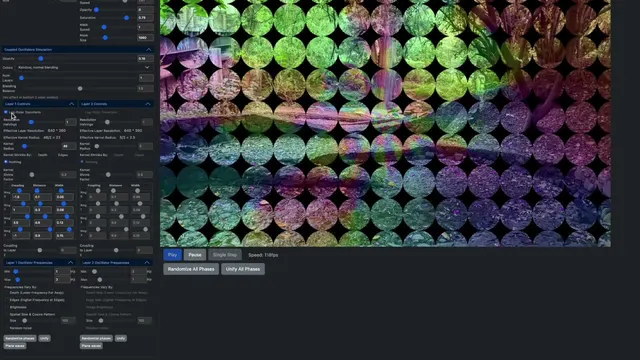
The Oscilleditor
The Oscilleditor is a GUI tool developed by QRI for modeling psychedelic visual phenomenology using coupled oscillators. It allows users to reconstruct and study non-ordinary visual experiences through advanced features like spatial drifting and chaotic coupling. The tool integrates insights from previous research and aims to create structured datasets linking subjective experiences to neurodynamics, offering significant scientific value. Instruction manuals and tutorials are available for users.
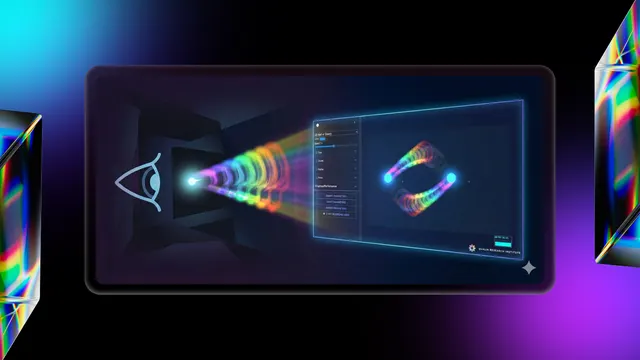
Tracer Replication Tool
The Tracer Replication Tool by the Qualia Research Institute collects quantitative data on psychedelic tracers. Users are guided to familiarize themselves with the tool, track drug dosage and timing, and adjust parameters to match visual experiences. Caution is advised due to the potential risks associated with altered states, and users are encouraged to understand local laws regarding substances. Resources like the Fireside Project helpline are suggested for those with concerns about drug use.

Replications - Reddit
A Reddit channel titled "Replications" focuses on topics related to computer science, psychedelics, and technology, created by Josie Kins in 2014. Additional channels are mentioned, but details are not provided.
- Editor
- Not recorded yet
- Last reviewed
- Not reviewed yet
Conversation
Share your experience of it
What it was like, what helped, what you would tell someone before they try it.